Local dictation for macOS
Hold a key. Talk. It types.
Blurt is an offline dictation app for Mac. It turns speech into text in whatever app you are already using. Whisper runs on your Mac, so the audio never leaves it. Works with the wifi off.
14-day trial. No card, no account.
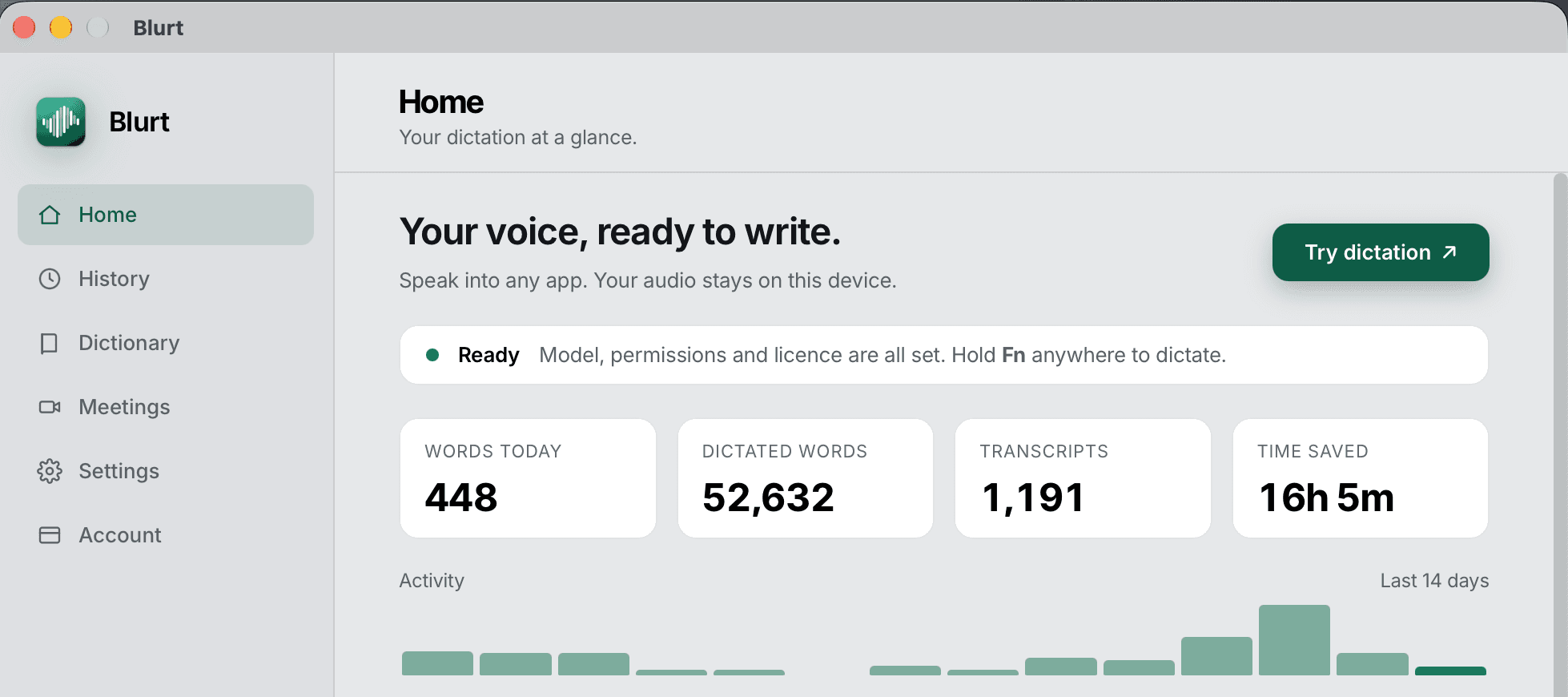
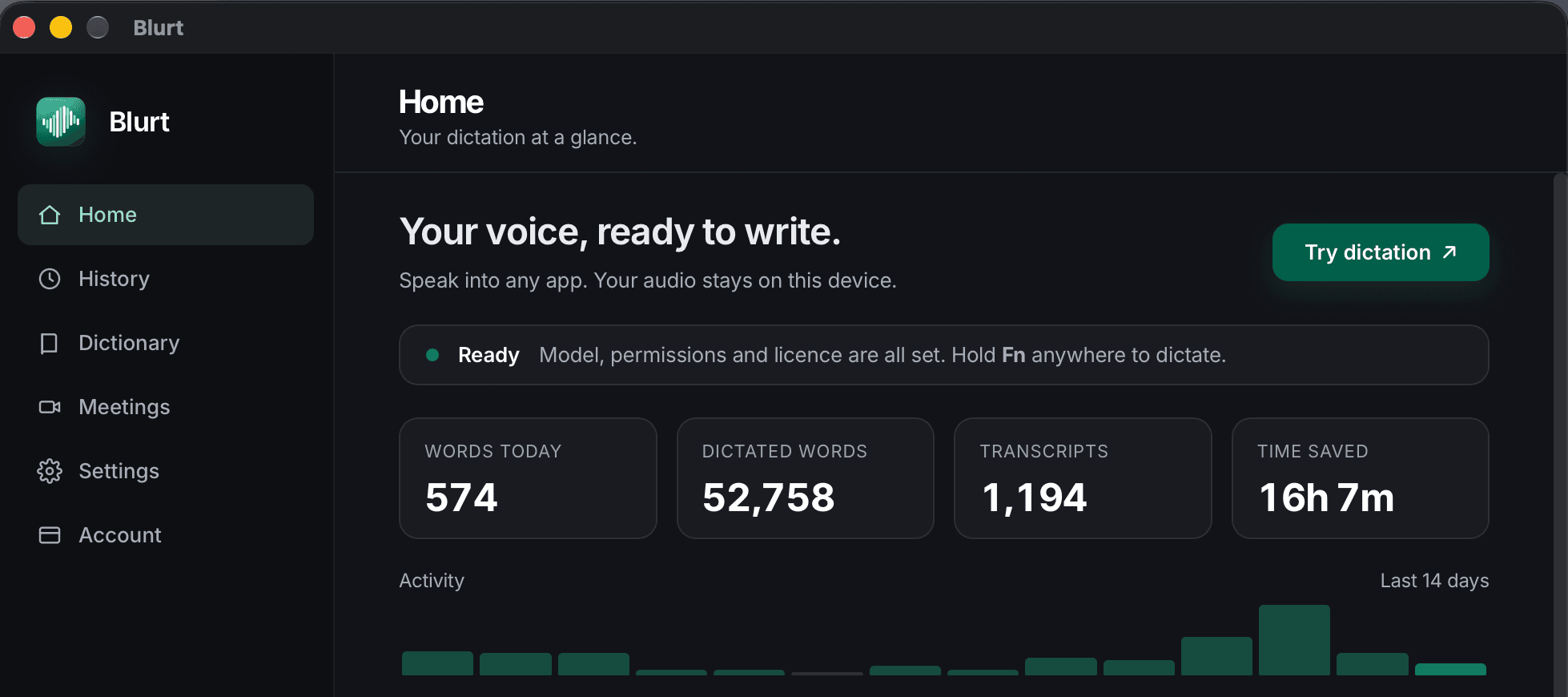
Example: hold the Fn key and say “so um i think we should ship friday and uh maybe tell support first”. Blurt types “I think we should ship Friday, and tell support first.” at the cursor.
- Best for
- Private, everyday writing
- Works in
- Any app with a text cursor
- Processing
- On-device and offline
Apple Silicon · macOS 14+ · Signed & notarised · No account
v1.2.10 · Oct 14, 2026The loop
Dictation on a Mac in three steps, and one of them is talking.
That is the whole product in one line. The full feature list covers the four speech engines, local AI cleanup, meeting mode and the dictionary — and says where the app stops.
- 01or any key you pick
Hold a key
Push to talk, or toggle hands-free. Blurt stays out of the way until you press it.
- 02
Speak
The Accurate model transcribes on your Mac. Your audio is never uploaded and never queued for sending.
- 03under a second
It types
Text is inserted into the focused app — Slack, Xcode, Mail, a terminal. No copy and paste step.
Who it is for
People who type all day and would rather not upload it.
Engineers
Dictate prompts into Cursor, Claude Code or a terminal without reaching for the cloud.
Dictation for developers →Lawyers, clinicians, consultants
Client work stays on the Mac that heard it. There is no server copy to subpoena or leak.
Private dictation for client work →Writers
Get the rough draft out at talking speed, then let local cleanup tidy it.
Anyone with RSI
Hand the long typing stretches to your voice. One key to start, one to stop.
Dictation for RSI →
Privacy proof
Four outbound connections. Six only if you ask for them.
Audio and transcripts stay on disk, always. No crash reporter, no analytics SDK, and no usage sharing unless you switch it on — from 1.2.3 there is a setting for that, off until you say otherwise, and it sends counts, never words. Here is every time the app goes online, and why.
 Your MacAudio, transcripts and history stay here. Dictation works with the cable pulled.
- Licence checkAutomaticOnce when you enter a key: the key, your OS name, the Blurt version and a device label from your hostname. About once a week after that: only the key and that Mac's activation ID.
- Update checkAutomaticA signed version manifest, and the update itself if you take it. Switch it off in Settings, General.
- Model downloadAutomaticOnce, when you choose an engine. After that the model lives on your Mac and dictation works with the wifi off.
- App downloadAutomaticThe installer itself, and nothing after it. No account is created at any point.
- Send feedbackOnly if you askOnly when you press Send feedback, and only what you typed plus the email address you chose to give. Never opened on its own.
- Usage sharing · off by defaultOnly if you askOnly if you turn on Help improve Blurt in Settings, Privacy & data. Sends event counts, recording duration, word count, processing time, app version and OS under a random installation ID. Never your audio, never your text. Turning it off removes that ID.
Engines
Four on-device models. Pick your trade.
All four run on your Mac. Accurate is the default. You pick the engine in Settings, and the model downloads once.
- Recommended
Accurate
874 MB- Trade
- Fewer hallucinations
- Languages
- Multilingual
- Latency
- Under a second on an M2 Air
The default. Use it when proper nouns matter.
Compact
574 MB- Trade
- Smallest download
- Languages
- Multilingual
Fastest to load, most mistakes on names.
Max Accuracy
1.6 GB- Trade
- Unquantised, heaviest
- Languages
- Multilingual
For difficult audio and heavy accents.
Parakeet v3
670 MB- Trade
- Fastest
- Languages
- English + 25 European
- Latency
- Faster than Accurate
For long sessions where speed is the point. Only the Whisper engines take custom vocabulary.
Not sure? Choosing a model has the side-by-side.
The AI layer, also local
Filler out, paragraphs in. On device.
Rules drop the ums, and an optional local model fixes punctuation and breaks a five-minute ramble into paragraphs and lists. Select any text and press Polish to rewrite it.
How local AI cleanup works →so um i think we should ship friday and uh maybe tell support first
I think we should ship Friday, and tell support first.
Meeting mode
Offline meeting transcription. No bot joins your call.
Blurt captures your mic and the call's system audio and transcribes both on the Mac, labelled You and Others. Nobody in the meeting sees a guest named Notetaker.
More on meeting mode →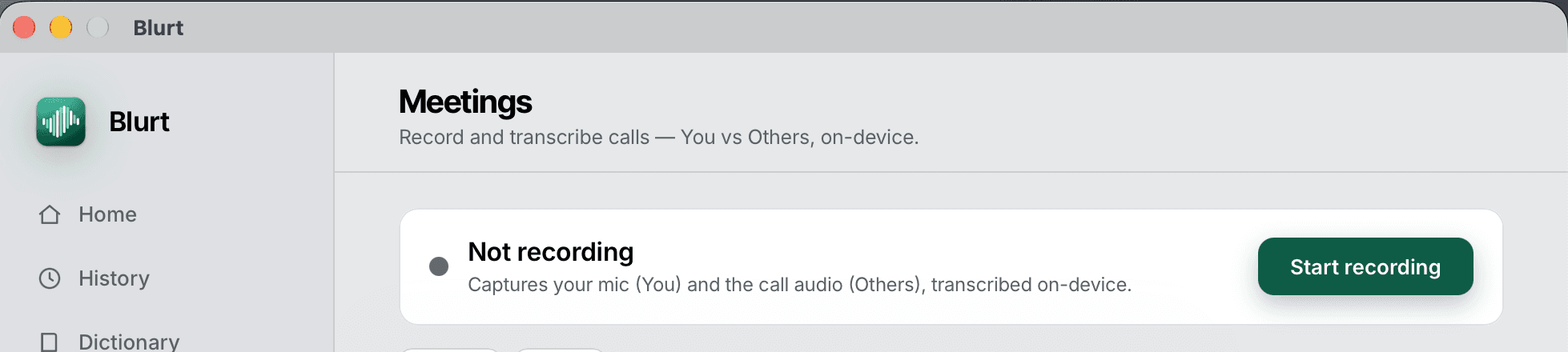
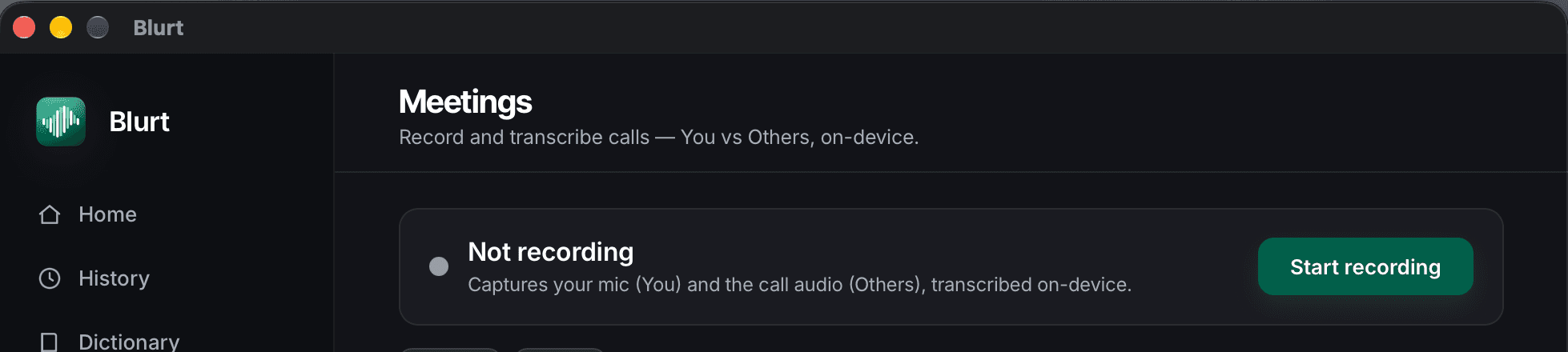
- YOUCan we hold the migration until the redirects are mapped?
- OTHERSYes. I will have the slug list by Thursday.
- YOUThen we ship the site Friday.
Learns your words
It stops mangling your colleague's name.
Add names, product terms and acronyms to the vocabulary. Write replacement rules for the ones it keeps missing. Edit a transcript in History and Blurt keeps the correction.
- Vocabulary
- Terms you say daily, weighted so the model favours them.
- History
- Searchable and editable, stored locally. Delete it all in one click.
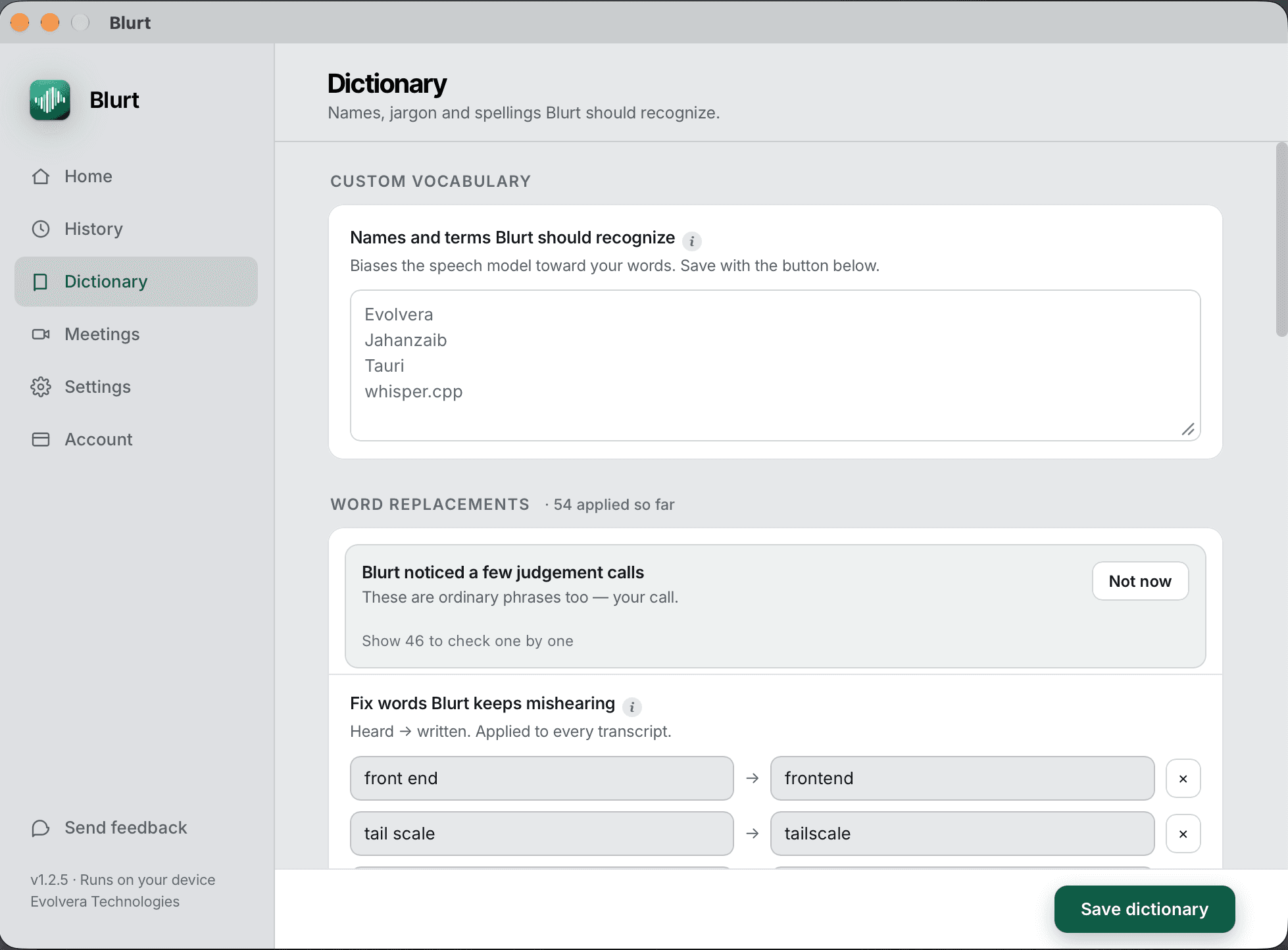
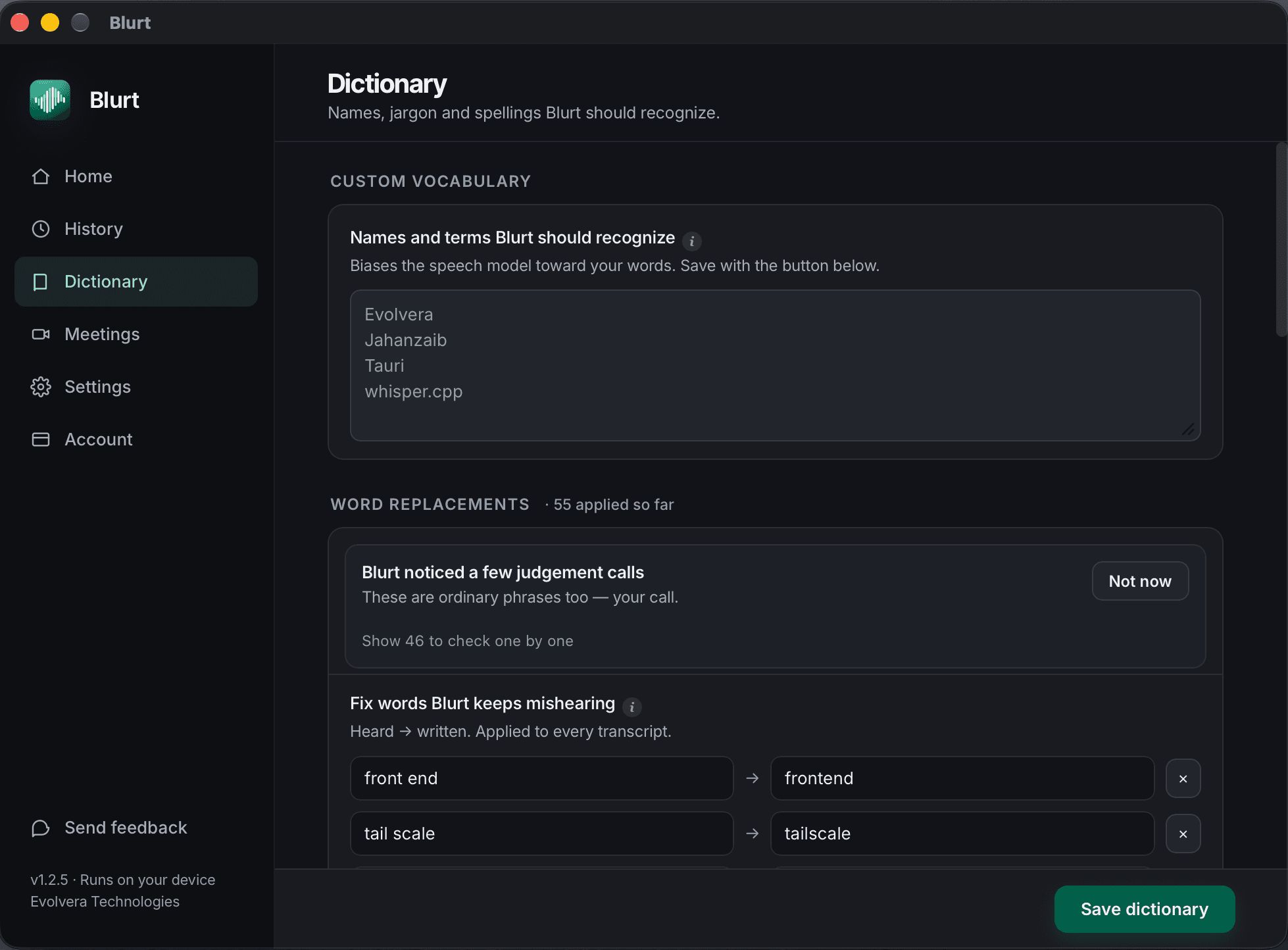
- front end → frontend
- tail scale → tailscale
Pricing
$3.99 a month, or own it.
Every plan carries the 30-day money-back guarantee.
- Monthly
$3.99/month
For trying it properly on real work before committing.
2 Macs · 30-day guarantee
Choose monthly - RecommendedYearly
$29/year
$2.42 a month, billed once. What most people pick.
2 Macs · 30-day guarantee
Choose yearly - Lifetime
$99once
Pay once, keep every future version. No renewal.
3 Macs · 30-day guarantee
Buy lifetime
30-day money-back guarantee. Not for you? Email us within 30 days of purchase and we refund you in full. No questions asked.Compare plans in full →
Shopping around
Compare honestly. Then decide.
Each comparison says what the other app does better. Prices checked Sept 2026.
8 guides for working out what you need
- Superwhisper vs Wispr FlowNeither of these is ours, so this one is straight: local and configurable against cloud and polished, at $8.49 versus $15 a month.
- Best dictation app for MacThe realistic shortlist in 2026, including the free option and the cheaper one, with the case for each.
- Offline speech to text on MacDictation that keeps working on a plane, in a secure office, or on a connection that drops.
- Whisper dictation on MacYou can wire up whisper.cpp yourself. Here is what an app adds, and when rolling your own is still the right call.
- Dictation with no accountFor when the words are confidential: no sign-up, no tracking you did not ask for, and a list of every connection the app makes.
- Dragon alternative for MacDragon left the Mac in 2018. What replaced it, and what you gain and lose moving to a modern local model.
- AI dictation apps comparedThe wave of $10 to $15 a month cloud dictation apps, what they share, and when a local app is the better buy.
- Parakeet vs Whisper for dictationBoth run on your Mac inside Blurt. Parakeet is faster; Whisper covers more languages and learns your vocabulary.
Still deciding? Ask someone who isn't us.
Each button opens a new chat with the same neutral question about Blurt and its rivals. We don't see the answer.
FAQ
The questions we actually get.
What is Blurt?
Blurt is an offline dictation app for Apple Silicon Macs, made by Evolvera Technologies. Hold a key, speak, and it types into whatever app you are using. Speech recognition and AI cleanup run on the Mac, and there is no account. It costs $3.99 a month, $29 a year or $99 once, after a 14-day free trial.
Does it work on an Intel Mac?
No. Blurt is Apple Silicon only, macOS 14 or later. Whisper runs on the Apple Silicon GPU and Parakeet on its CPU to hit sub-second latency, and we would rather not ship a version that disappoints.
What happens when the trial ends?
Blurt keeps working, capped at 20 dictations a day. Nothing is deleted, nothing is bricked, and your history stays yours. Buy a licence whenever you want the cap lifted.
Do I need an account?
No. Blurt has no sign-up, no password and no profile. You get a licence key by email when you buy, and you paste it into the app. There is nothing to delete later.
Is my audio ever uploaded?
No. Transcription runs on your Mac and the audio never leaves it. Dictation works with the wifi off. The only automatic outbound requests Blurt makes are the licence check, the update check, the one-off model download and the installer. Two more happen only if you ask: sending feedback, and optional usage sharing if you switch it on — and that sends counts and timings, never audio or text.
How many Macs does one licence cover?
Two for Monthly and Yearly, three for Lifetime. You can unlink a Mac from inside Blurt or from the customer portal, and the slot frees up straight away.
Can I use it in a language other than English?
Yes. Blurt's Whisper engines are multilingual. Parakeet v3 covers 25 European languages, English included and is the faster of the two.
Which apps does Blurt type into?
Blurt types into any app with a text cursor: Slack, Mail, Notion, Google Docs in a browser, Xcode, VS Code, Cursor, a terminal. Text is inserted where the cursor is, so there is no copy and paste step.
Does Blurt work offline?
Yes. After the one-off model download, Blurt's dictation, AI cleanup and meeting transcription all run on your Mac with no network connection. You can pull the cable and keep dictating.
Is there a Windows, iPhone or Android version?
No. Blurt is a Mac app for Apple Silicon, macOS 14 or later. There is no Windows, Linux, iPhone or Android version, and we have not announced one.
Can it transcribe meetings?
Yes. Blurt's meeting mode records your microphone and the call's system audio and transcribes both on the Mac, labelled You and Others. No bot joins the call, and the transcript stays in your local history.
Is it safe for confidential client, legal or medical work?
Blurt runs speech recognition and cleanup on your Mac, so the words are never sent to us or to an AI provider, and there is no account to attach them to. Whether that satisfies your firm's rules is for your compliance team to decide; the privacy page lists every connection the app makes so they can check.
Can I cancel or get a refund?
Blurt Monthly and Yearly cancel any time from the customer portal. Every plan, Lifetime included, has a 30-day money-back guarantee: email us and we refund in full.
Try it for fourteen days
No card, no account, no email. Download and hold a key.