Features
Everything Blurt does, and what it deliberately does not
Blurt is a dictation app for the Mac that types into whatever app you are already in. Every part of it — recognition, cleanup, meetings, the dictionary — runs on your own machine. This page is the long version: what each feature actually does, and where the app stops.
Dictation
Four ways to start talking
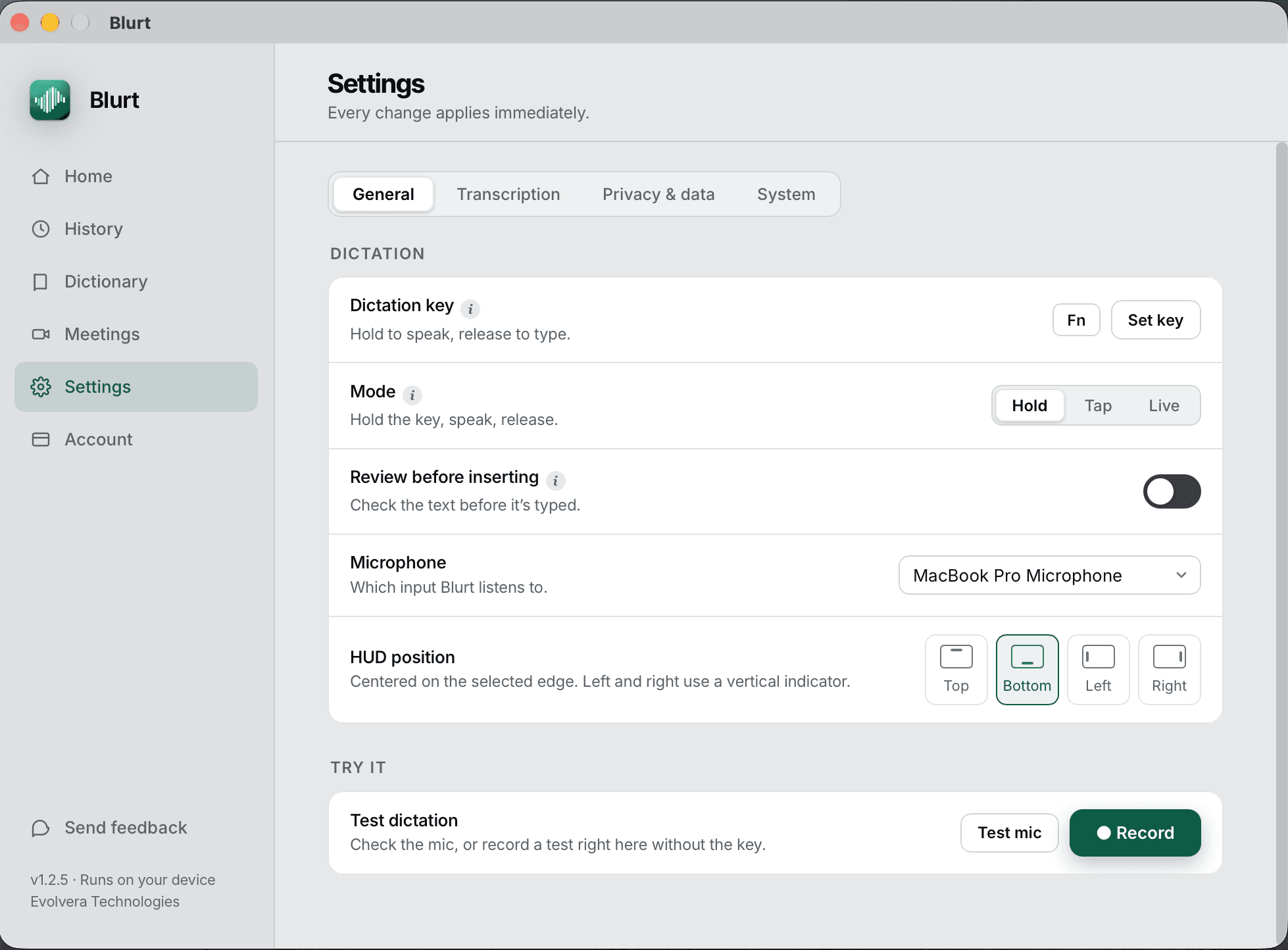
The trigger key is yours to pick and Fn out of the box. How the recording starts and ends is a per-mode choice, because holding a key for four minutes is fine for a Slack reply and miserable for a paragraph.
Text is inserted into whatever app has focus — Slack, Xcode, Mail, Notes, a terminal. There is no copy step and no separate window to paste out of.
- FnPush to talk. Hold, speak, release.
- FnHands-free. Tap once to start, tap again to stop.
- ⌘↩Insert, when review-before-typing is on.
- escDiscard the recording without typing it.
Speech engines
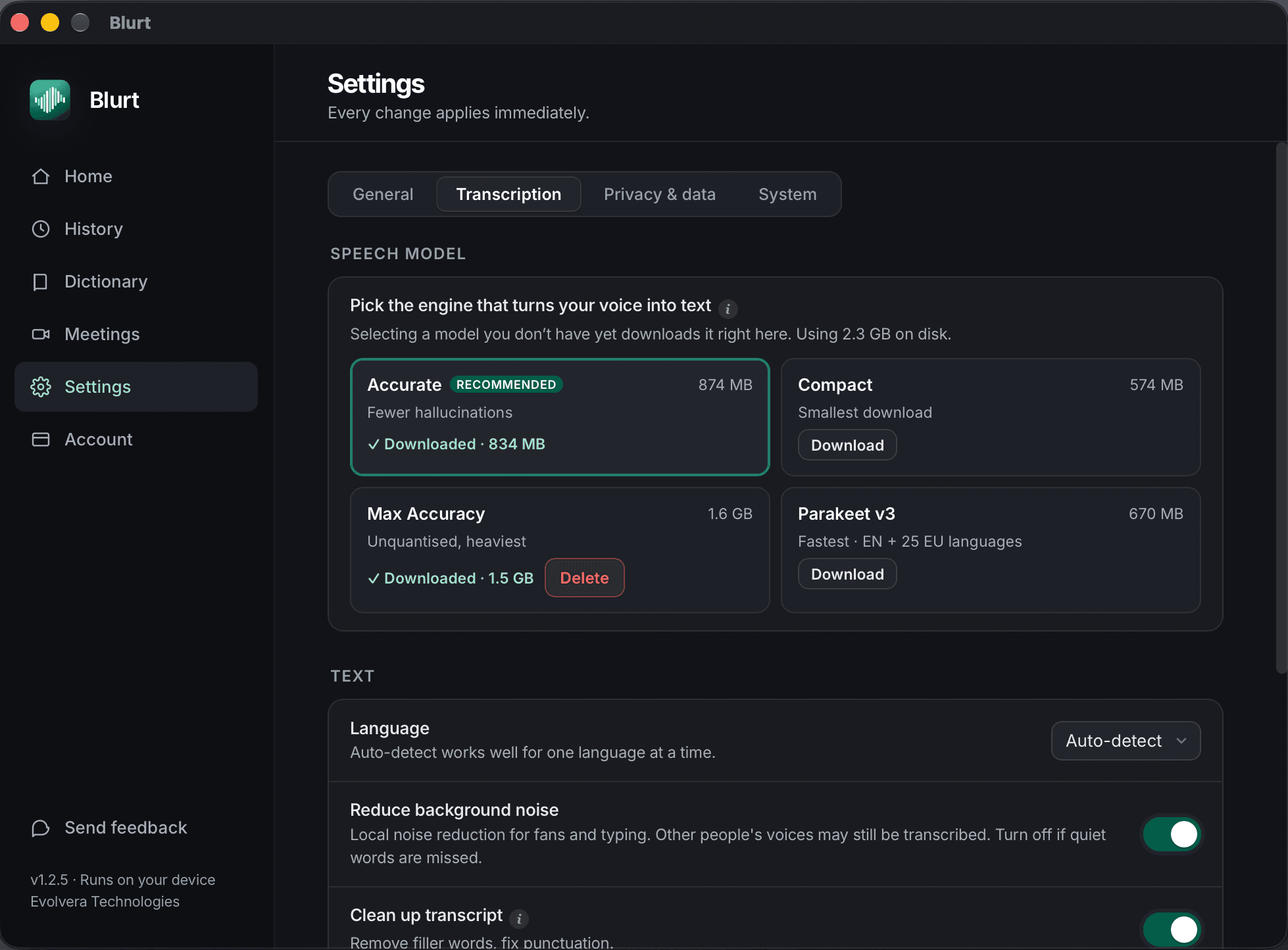
Four models, all of them on your Mac
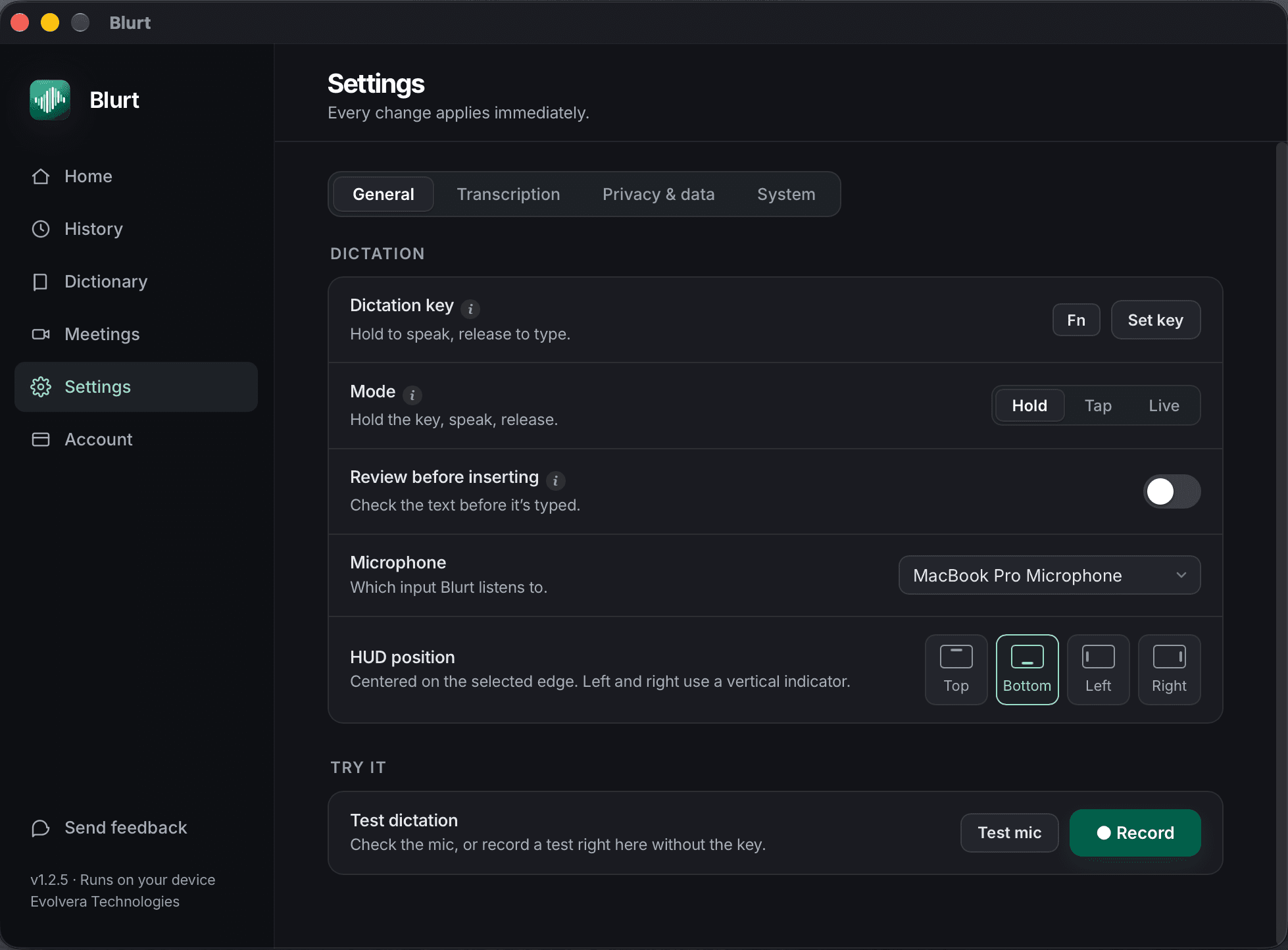
Whisper runs on the Apple Silicon GPU through Metal, and Parakeet on its CPU. You choose one in Settings, it downloads once, and after that dictation works with the wifi off. Switching engines does not touch your vocabulary, replacements or history — those are shared.
Accurate is the default and the right answer for most people. Parakeet is the one to switch to when you are dictating for hours in English and want the latency down.
- Compact
- 574 MB · fastest to load, most mistakes on names
- Accurate
- 874 MB · the default, under a second on an M2 Air
- Max Accuracy
- 1.6 GB · for difficult audio and heavy accents
- Parakeet v3
- 670 MB · fastest, 25 European languages, English included
Local AI cleanup
Polish, without an API key
Speech is not writing. Cleanup strips the ums and false starts and fixes the punctuation. Smart formatting is the separate switch next to it: it restores paragraphs and lists even when you never said the word “bullet”, which is the part that makes a five-minute answer readable.
Filler removal is rules; formatting and Polish are a local model. None of it is a call to anyone's API. There is no key to paste in, no per-token cost, and nothing to send, which is also why they work on a plane. Select text in any app and press Polish to have the local model rewrite it in place.
- ⌘⌥1Polish the selected text.
Context
It can look at the screen to spell a name right
Two switches let Blurt read a little of your Mac to get spelling right, and both are off until you turn them on. Neither sends anything anywhere — this is local reading, not telemetry.
Context awareness reads the title of the window you are dictating into and the text field you are focused on, so a name already on screen comes out spelled the way it appears there. Learn your project names reads the names of your git repositories and branches, and the names of your installed apps, and uses them to catch words it would otherwise mangle. Names, not file contents.
If either one is more than you want, leave it off. Recognition still works; it just will not know your branch is called `parakeet-latency`.
What the app reads, and never sends →Meeting mode
Both sides of the call, transcribed locally
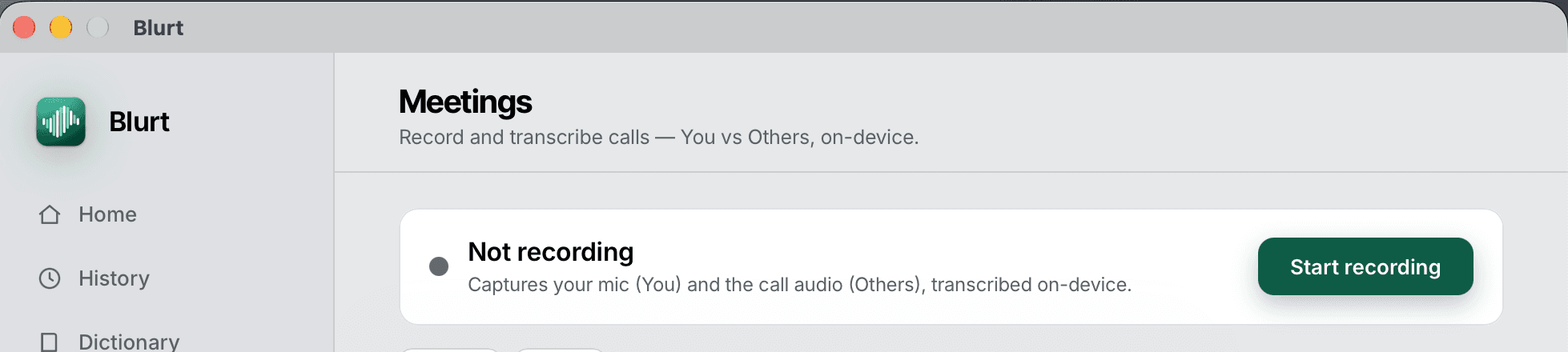
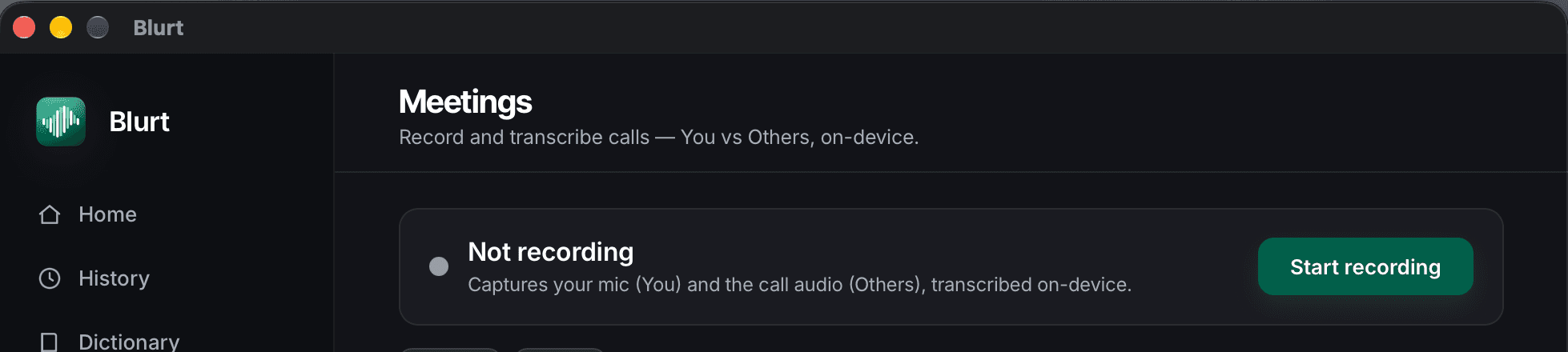
Blurt records your microphone and the call's system audio and transcribes both on the Mac, labelled You and Others. No bot joins the meeting, so nobody sees a guest called Notetaker in the participant list and nobody has to approve one.
The transcript lands in History like any other: searchable, editable, exportable, and stored only on your machine.
Dictionary
Three ways to fix a name it keeps missing
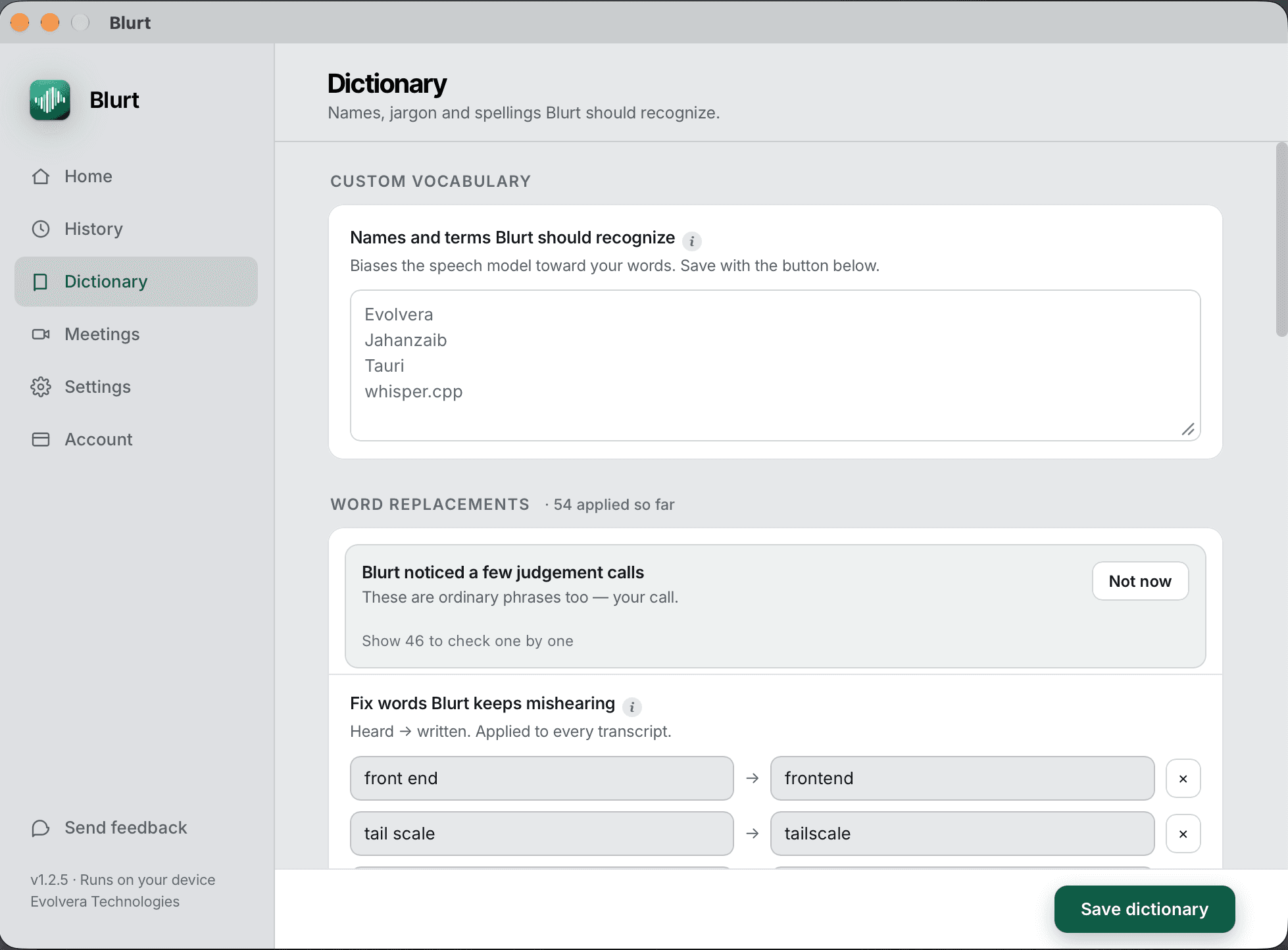
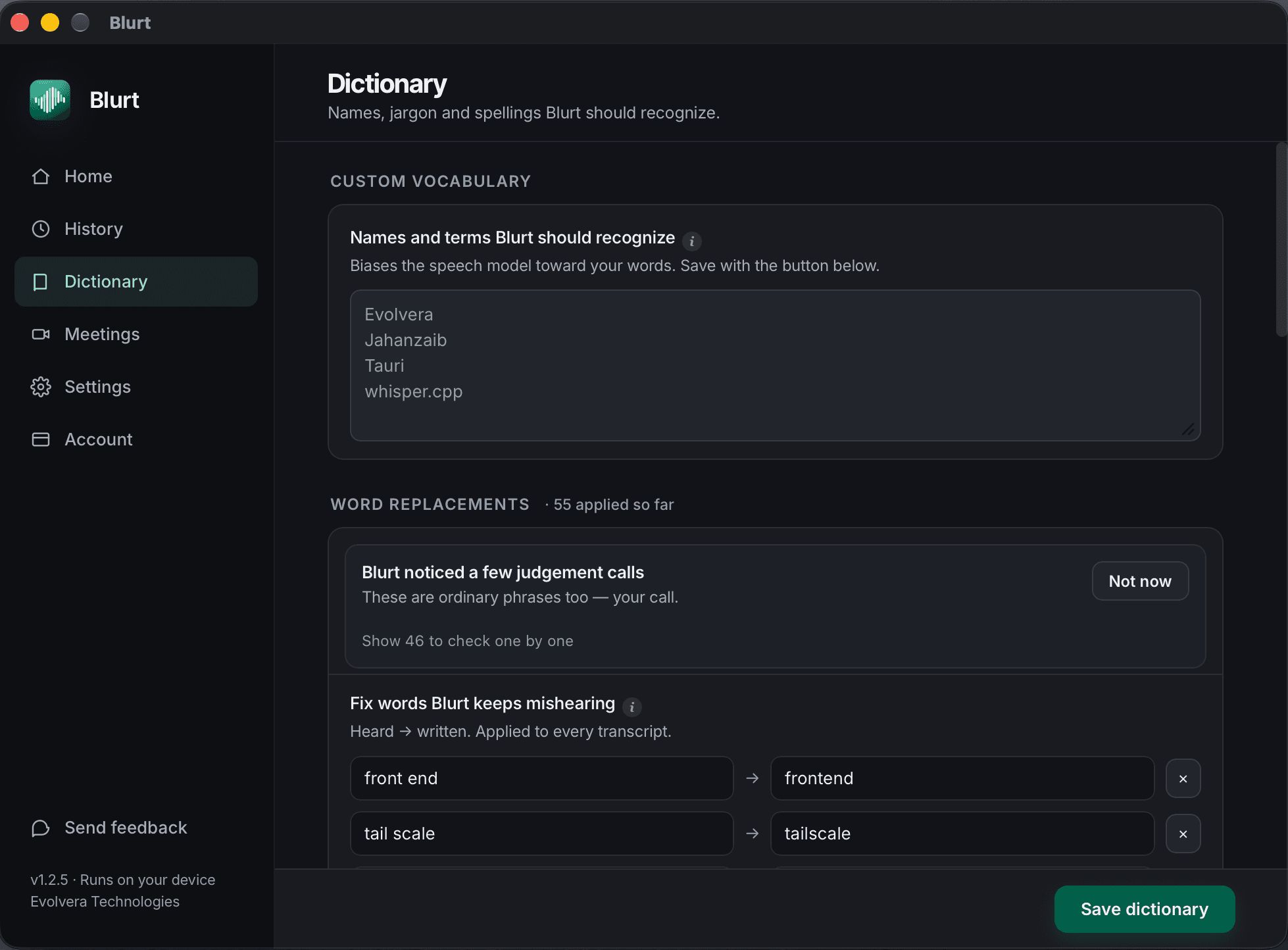
Custom vocabulary weights the terms you actually say, so a colleague's surname wins over the ordinary word that sounds like it. Replacement rules rewrite the ones it keeps getting wrong in the same way, and accept regular expressions. Smart match catches near misses of names already in your vocabulary without a rule for every variant.
Editing a transcript in History feeds the correction back. Blurt collects those into a queue of suggested dictionary entries and shows you the risky ones separately, so you approve the list rather than it editing your words behind you.
Dashboard
Words today, and how long that saved you
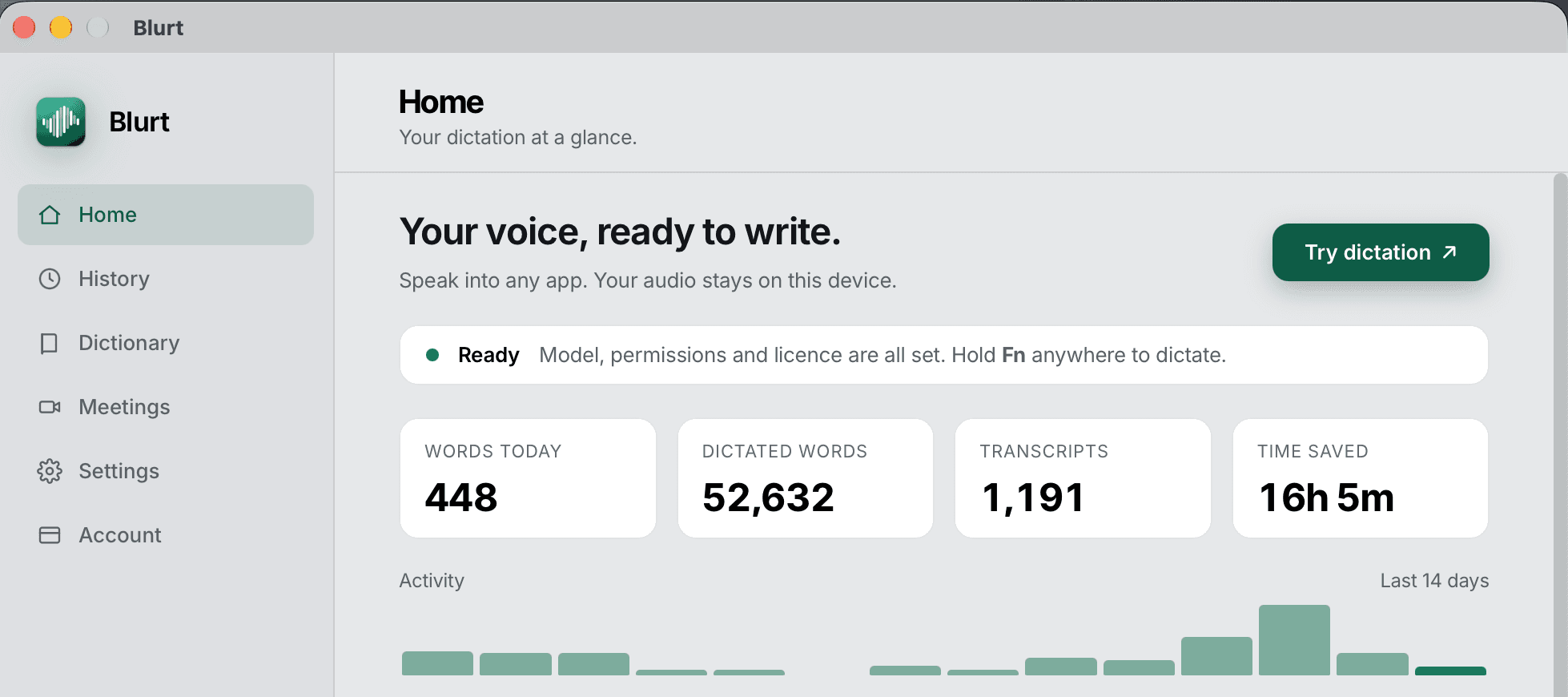
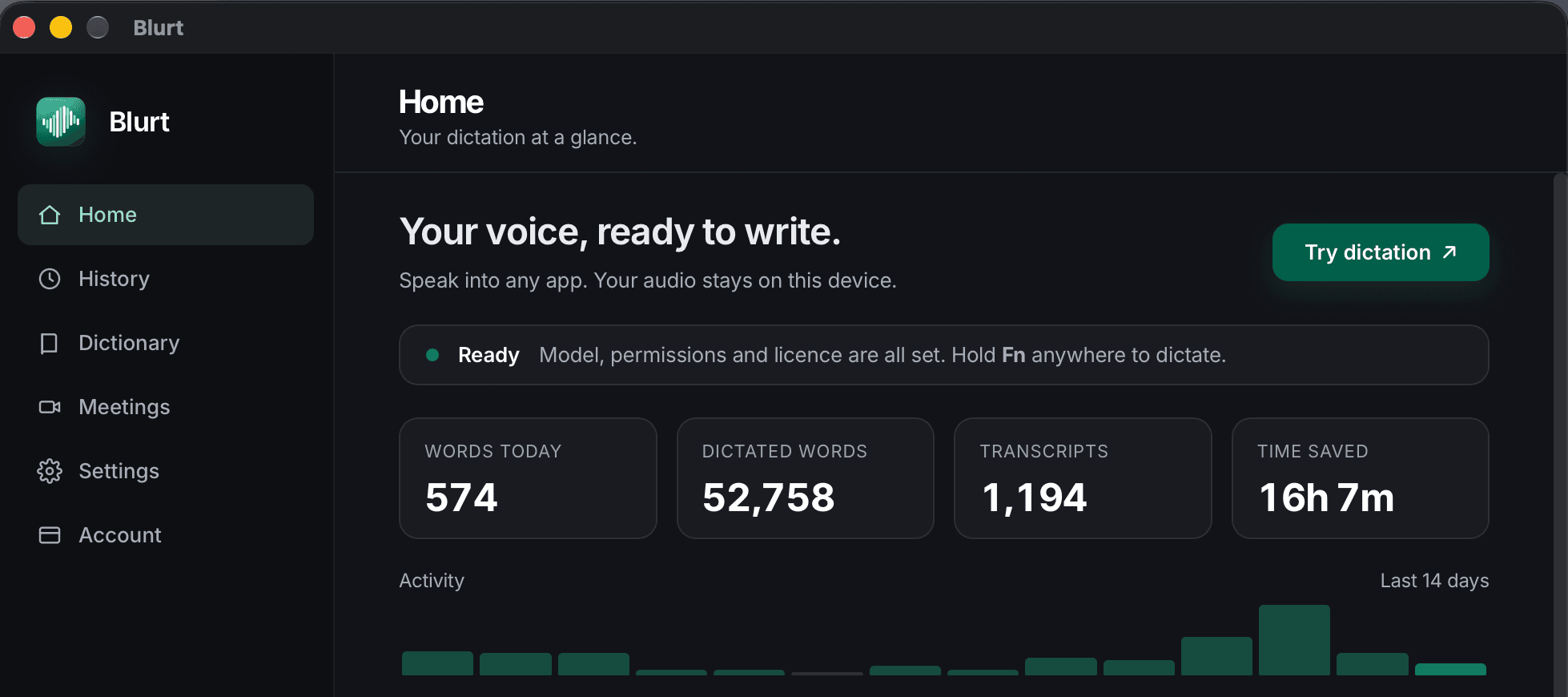
Home counts words dictated today, words and transcripts all time, and an estimate of the typing time you did not spend, with a spark line for the last stretch of days. It is the only number the app keeps, it is computed on your Mac, and it survives when you clear your transcripts.
History
Everything you dictated, on your disk
Every dictation is saved to a file on your Mac. Search it, edit it in place, copy a line with a click, or export the lot through a Save dialog to wherever you want it.
Set it to forget on its own — forever, a year, 90 days or 30 — and older transcripts are removed for you while the totals on Home survive. Or delete the lot in one click.
Deleting it deletes it. We never had a copy, so we cannot restore it and we cannot hand it to anyone else either.
History and editing →What it does not do
The list we would rather you read now than after paying
- No Intel, Windows, Linux or iPhone version, and none has been announced. Apple Silicon and macOS 14 or later.
- No cloud model option, not even as a toggle. If a bigger model would help you on hard audio, an app with a cloud mode will beat this one.
- No file or video transcription. Blurt types while you talk; it is not a batch transcriber for recordings you already have.
- No translation into English, and no per-app custom prompts of your own writing.
- No unlimited free tier. Fourteen days unrestricted, then 20 dictations a day forever.
If one of those is a dealbreaker, the comparison pages say which app to buy instead.
Questions about what it can do
Does Blurt work in every Mac app?
Blurt types into whatever app has focus, which covers Slack, Mail, Notes, browsers, editors and terminals. Password fields are the exception: macOS blocks synthetic text in secure input from every app, not just this one.
Can I dictate without an internet connection?
Yes. After the one-off model download, Blurt's dictation, cleanup, meeting mode and history all run offline. The only things that ever need a connection are the licence check, the update check, downloading an update and downloading another model.
Which languages does it handle?
The Whisper engines are multilingual. Parakeet v3 covers 25 European languages, English included and is the faster of the two. Blurt does not translate between languages — it transcribes what you said in the language you said it.
Does the AI cleanup send my text anywhere?
No. Blurt's cleanup and Polish run on a local model on your Mac. There is no API key to add and no request to anyone's server, which is also why they work on a plane.
Try it for fourteen days
No card, no account, no email. Download and hold a key.